
New to VPNs? This post builds on our previous guide: VPN: What It Is, When to Use It, and When to Skip It →
What Is a Travel Router?
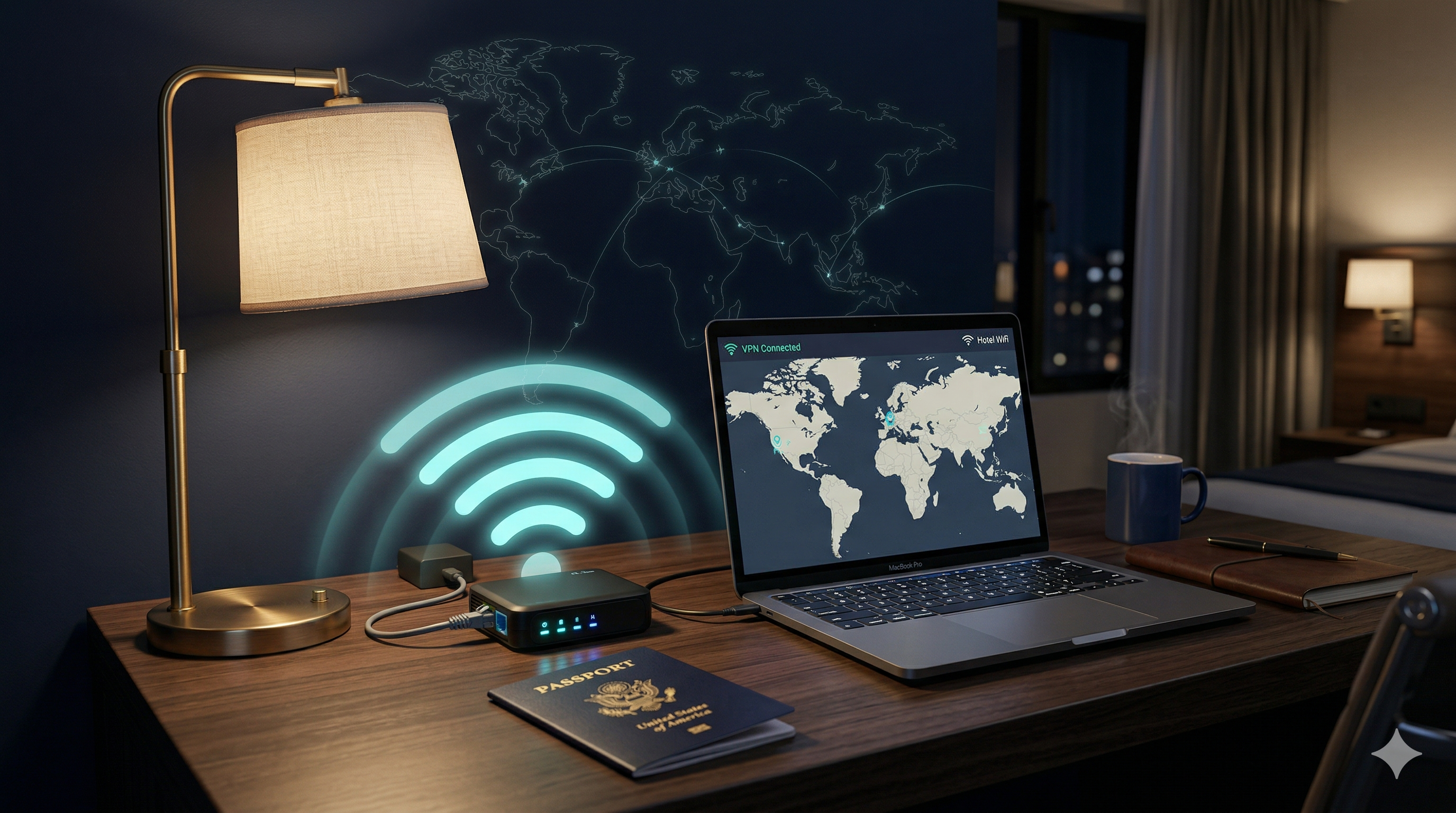
A travel router is a small, portable Wi-Fi router — often the size of a deck of cards or smaller — that you carry with you on the road. Instead of connecting your devices directly to a hotel or Airbnb’s Wi-Fi, you connect the travel router to that network, and then connect all your devices to the travel router’s own private network.
The result: all your devices — laptop, phone, tablet — appear as a single device to the host network. Your traffic is isolated. You control the network name and password. And if you configure a VPN on the travel router itself, every device connected to it gets VPN protection automatically — no per-device setup required.
Why Would a Business Professional Need One?
Most people think this is overkill. Until they understand what’s actually happening when they connect to hotel Wi-Fi.
Hotel networks are shared environments. When you connect your laptop directly, you’re visible on that same network as every other guest. Some hotels use network isolation to prevent device-to-device traffic, but not all — and even those that do can’t protect you from a rogue access point someone set up in room 312 with the same SSID as the hotel.
For attorneys, financial professionals, consultants, and anyone handling sensitive client data on the road, a travel router gives you a clean buffer layer between your devices and the host network. It’s not about paranoia — it’s about professional responsibility.
What to Look for in a Travel Router
Not all travel routers are created equal. Here are the features that actually matter for business use:
VPN Client Support
Look for OpenVPN or WireGuard support built into the firmware. This is the key feature if you want router-level VPN.
Multiple Input Modes
Should support wired Ethernet, Wi-Fi repeater mode, and USB tethering — so you can use it with hotel ethernet, Wi-Fi, or even a cellular hotspot.
Compact Size & Bus Power
The best travel routers run off USB power — no separate power brick needed. Pocket-sized is the goal.
Good Firmware / UI
GL.iNet routers run OpenWRT-based firmware with a clean UI. Setup takes minutes, not hours.
My top recommendation for most users: GL.iNet Beryl AX (GL-MT3000) or the more compact GL.iNet Slate AX. Both support WireGuard and OpenVPN natively, run off USB-C power, and are small enough to throw in a laptop bag without thinking about it. GL.iNet in general has become the go-to brand for this use case — their firmware is polished, regularly updated, and the VPN setup is genuinely simple.
GL.iNet also makes the GL-SFT1200 (Opal) — a sub-$50 option that still supports OpenVPN and WireGuard. If you’re testing the concept before committing to a premium unit, the Opal is a solid starting point.
The Pro Move: Running a VPN Through Your Travel Router
Here’s where things get powerful. Most people who use a VPN install it on each device separately — they have to remember to turn it on, and if they forget, that device is exposed. With a travel router configured to run a VPN client, every single device that connects to your router gets VPN protection automatically, without doing anything extra.
This is a setup I’d recommend for anyone who regularly works from hotels, Airbnbs, or conference venues — especially if you manage multiple devices or work with sensitive data.
How to Set It Up (GL.iNet + Proton VPN Example)
Here’s a high-level overview of the process using a GL.iNet router and Proton VPN — one of the most privacy-focused VPN providers available:
- Log into your GL.iNet router’s admin panel — usually at 192.168.8.1 on your browser after connecting to the router’s own Wi-Fi network.
- Navigate to VPN → WireGuard Client (WireGuard is faster and more efficient than OpenVPN for most use cases).
- Generate a WireGuard config file from Proton VPN — log into your Proton VPN account, go to Downloads → WireGuard configuration, and generate a config for the server location you want.
- Import the config file into your GL.iNet router — paste it in or upload the file directly in the admin panel.
- Enable the VPN connection and set it to auto-start — now every device that connects to your travel router will automatically route through Proton VPN, no matter where you are.
The whole process takes about 10–15 minutes the first time. Once it’s done, your travel router is essentially a secure, VPN-enabled Wi-Fi bubble you carry in your bag.
When running a VPN on your travel router, enable the kill switch feature in the GL.iNet settings. This ensures that if the VPN connection drops for any reason, your internet traffic stops completely rather than routing unencrypted through the host network. It’s a one-checkbox setting and a critical one.
When a Travel Router Makes Sense — And When It Doesn’t
Great for:
- Frequent business travelers staying at hotels or Airbnbs
- Remote workers who switch networks often
- Anyone managing multiple devices who wants a single-point VPN solution
- Legal, financial, or healthcare professionals working with sensitive client data
- IT consultants who need a clean, consistent network environment regardless of location
Overkill for:
- Someone who only occasionally works from a coffee shop — a VPN app on your phone is sufficient
- Employees with a company-issued VPN — check with your IT team before running parallel VPN setups
- Situations where you’re on your own cellular hotspot — you’re already on a private connection
Cellular Hotspot + Travel Router: The Ultimate Combo
One setup I’ve used and recommend for MSPs and IT consultants who work on-site at client locations: your own cellular hotspot (Verizon, AT&T, etc.) as the upstream connection, routed through a travel router with VPN enabled. This gives you complete network independence — you’re not touching the client’s network at all, your traffic is encrypted, and you have full control.
It’s also the cleanest setup for maintaining professional boundaries with clients who have their own network monitoring. Your work stays on your network. Their network stays theirs.
The Bottom Line
A travel router is a small investment — most quality units run between $50 and $100 — that pays for itself quickly in peace of mind and professional security posture. Pair it with a reputable VPN service like Proton VPN, and you’ve built a private, encrypted network bubble you can deploy in minutes, anywhere in the world.
For solo professionals, consultants, and small business owners who handle sensitive work on the road, it’s one of the most practical security upgrades available.
Want Help Setting Up a Secure Remote Work Stack?
From VPN configuration to travel routers to mobile security — I help small businesses and law firms build security setups that actually work in the real world, without the enterprise complexity.
Schedule a Free Consultation