
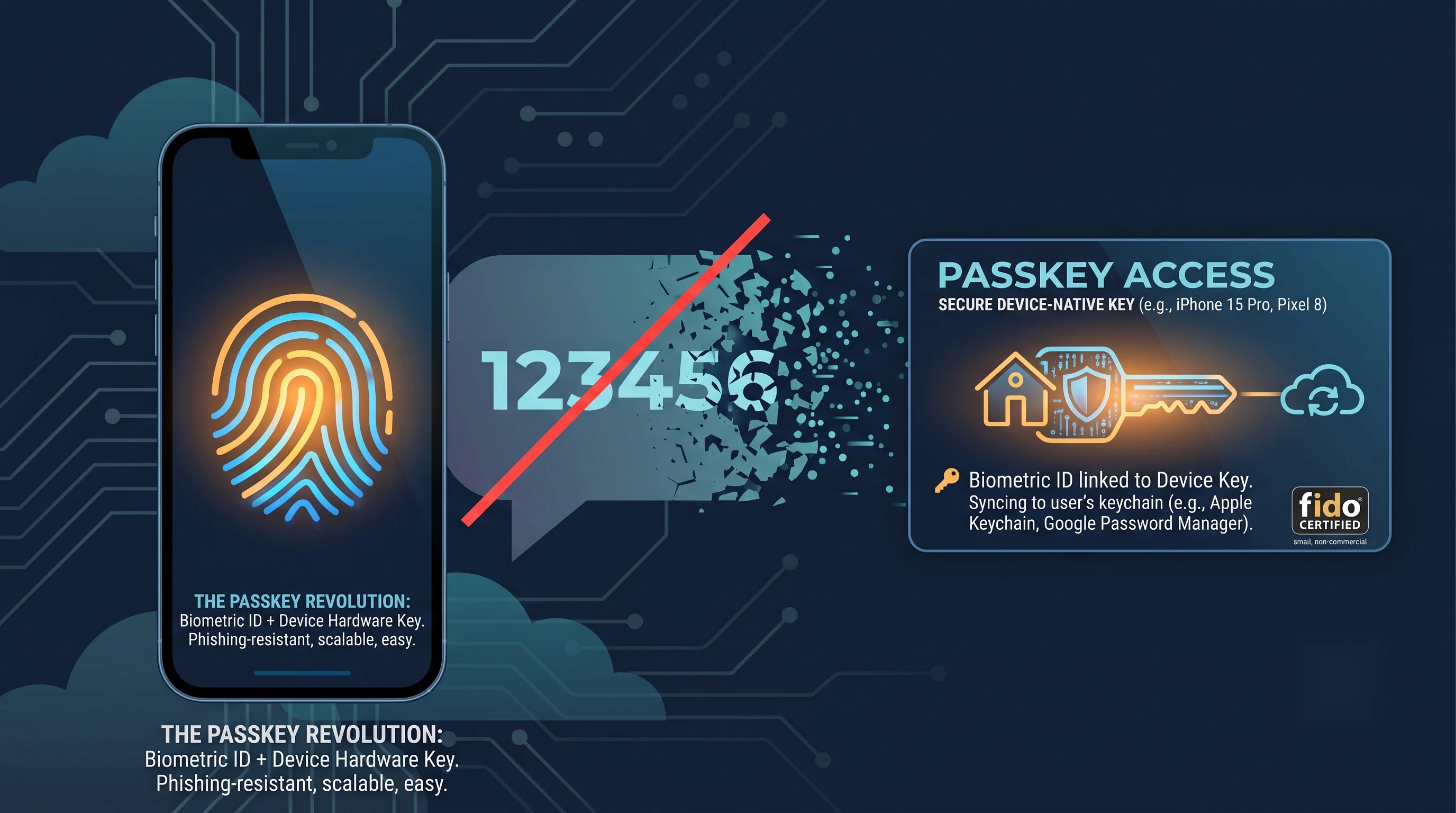
If you use Microsoft 365, you may have already gotten the email. Microsoft has announced that it is retiring SMS and voice-call authentication — the “we texted you a code” login method most of us have used for years — in favor of passkeys. This isn’t a minor tweak buried in a changelog. It’s a fundamental shift in how you and your team will log into Microsoft 365, and the timeline is already moving.
Here’s what’s actually happening, why Microsoft is making this change now, and what you need to do before it happens to you instead of with you.
What’s Changing, and When
Microsoft laid out the timeline clearly, and it comes in two stages:
- September 1, 2026 — Passkeys become the default sign-in method in Microsoft Entra ID. Anyone currently set up for SMS or voice authentication will be automatically enrolled in passkeys and nudged to register one the next time they sign in.
- February 1, 2027 — Microsoft-provided SMS and voice authentication is retired completely. If your business still needs phone-based codes after that date, you’ll need to bring your own telecom provider through the Microsoft Security Store — at your own cost.
In plain terms: Microsoft isn’t just recommending passkeys. It’s getting out of the text-message business for logins entirely. And this isn’t limited to enterprise tenants — Microsoft has already started phasing out SMS codes for personal Microsoft accounts as well, so this shift is happening across the board.
Why Now? Blame AI.
Microsoft has been fairly direct about the reasoning: SMS and voice codes were never a strong security measure, and in the age of AI-assisted phishing and social engineering, they’ve become a genuine liability rather than a safeguard.
Think about what an SMS code actually protects against. It stops someone from logging in with just a stolen password — but it does nothing if that password and the code itself get phished in real time, which is exactly what modern attack kits are built to do. AI has made it dramatically easier to generate convincing fake login pages and pressure a tired employee into handing over both their password and the code that just landed on their phone. SIM-swapping — where an attacker tricks a carrier into porting your phone number to their device — adds another layer of risk that has nothing to do with your actual security setup.
Passkeys close that gap. A passkey is tied to your specific device using cryptography, not a code that can be read off a screen or intercepted. There’s no code to type, which means there’s no code to steal. That’s what security professionals mean when they call something “phishing-resistant” — not that phishing attempts won’t happen, but that the attempt has nothing useful to grab even if it succeeds in tricking someone.
What Is a Passkey, Actually?
If you’ve unlocked your phone with your face or your thumbprint, you already understand the concept. A passkey uses that same idea for logging into accounts. Instead of typing a password and then a text code, you approve the sign-in with your fingerprint, your face, or your device PIN — and the cryptographic handshake happens invisibly in the background.
A few things worth knowing:
- Passkeys live on your device — your phone, laptop, or a hardware security key — not on a server somewhere that can be breached in bulk.
- They’re not new or experimental. Apple, Google, and Microsoft have all been building toward this for several years, and it’s already the default sign-in method on a lot of consumer apps you likely use daily.
- They’re actually more convenient. No more digging for your phone, waiting for a text, and typing six digits before a timer runs out. It’s a single tap or glance.
What This Means for Your Business
If you’re running Microsoft 365, this change is coming whether you plan for it or not. The businesses that handle it well are the ones who get ahead of the September nudge rather than reacting to it after the fact. A few things I’d encourage every business owner to think through now:
- Know who’s still on SMS or voice. Most businesses have at least a few users relying on phone-based codes as their only MFA method, often without realizing it.
- Plan the rollout, don’t let it happen by surprise. A blocking sign-in prompt with no warning, in the middle of a busy workday, is exactly the kind of thing that generates a wave of help desk calls. A little advance communication goes a long way.
- Check your compatible devices. Passkeys work through your phone, Windows Hello, or a hardware security key. Most modern business laptops and smartphones already support this — but it’s worth confirming before your team hits a wall.
- If you have a genuine regulatory reason to keep SMS, Microsoft will let you configure a third-party telecom provider through the Microsoft Security Store starting later this year — but that’s an added cost and an added step most businesses won’t need.
The Bottom Line
This isn’t a “maybe someday” security recommendation — it’s a dated, two-stage retirement with a hard cutoff seven months out. The good news is that passkeys are genuinely easier to use than what they’re replacing, and getting your team migrated ahead of the deadline turns this into a quick, low-drama transition instead of a scramble.
If you’re not sure who on your team is still relying on text codes, or you want a plan in place before September, that’s exactly the kind of thing I help clients get ahead of.