
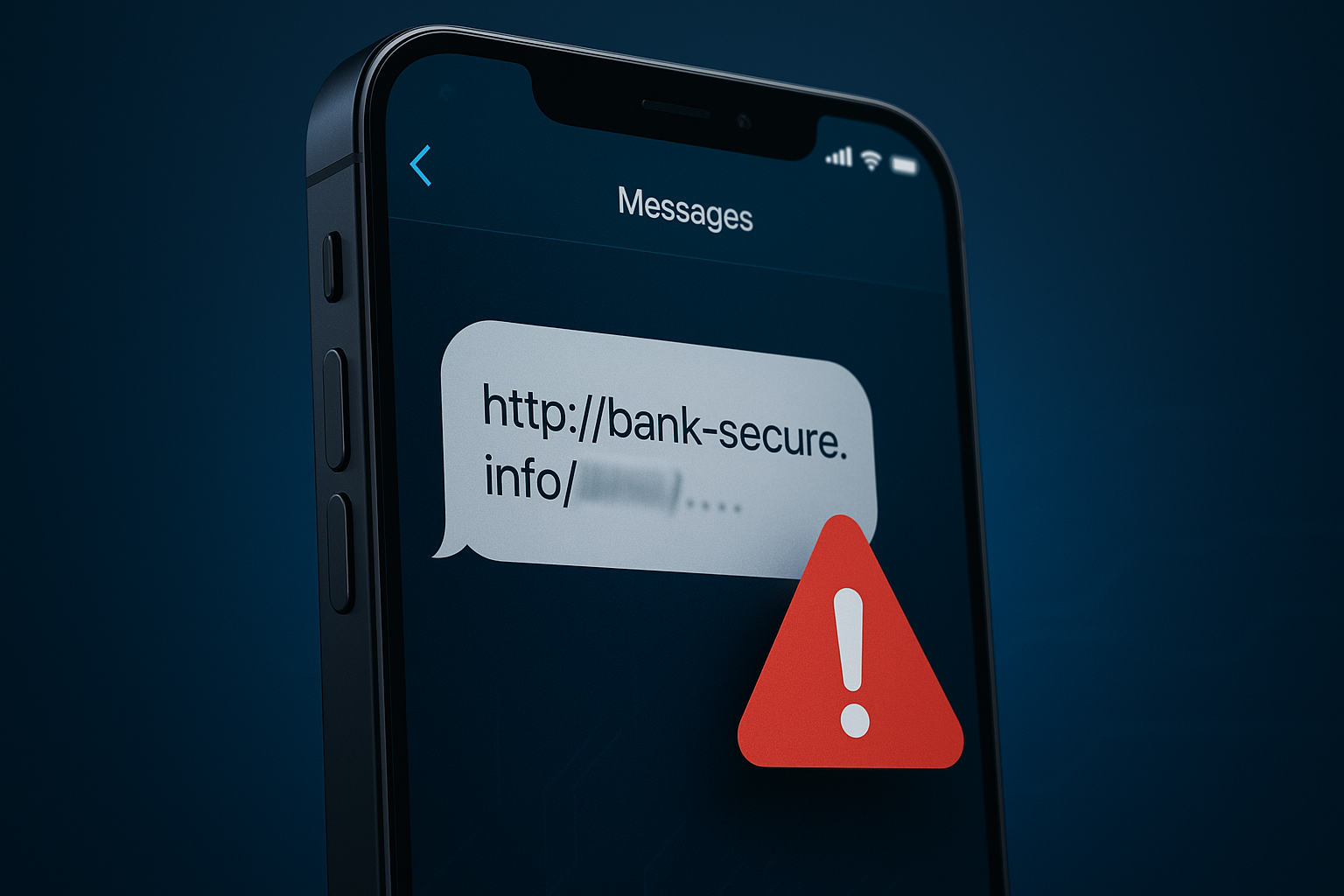
October is Cybersecurity Awareness Month, a perfect time to sharpen our digital defenses. For years, we've been trained to spot suspicious emails, but what about the threats that arrive directly on the device we use most? Cybercriminals are increasingly turning to our smartphones, using SMS text messages and QR codes to launch sophisticated phishing attacks.
These methods are effective because they exploit our trust and the convenience of mobile devices. A quick tap or a simple scan can be all it takes to compromise your personal information. Let's break down these two rising threats: Smishing and Quishing.
What is Smishing? (SMS Phishing)
"Smishing" is a mashup of "SMS" and "phishing." It's a cyberattack where scammers use deceptive text messages to trick you into revealing sensitive information or downloading malware. Common examples include:
- Fake Delivery Alerts: A message from "FedEx" or "USPS" claiming a package has a delivery issue, with a link to "reschedule."
- Urgent Bank Notifications: A text pretending to be from your bank, warning you of a suspicious transaction and asking you to log in via a link to verify your account.
- Prize Winnings or Giveaways: A message congratulating you for winning a prize from a major retailer, prompting you to click a link to claim it.
- Password Reset Prompts: An unsolicited text asking you to reset your password for a popular social media or email account.
The goal is always the same: to get you to click a malicious link that leads to a convincing but fake website designed to steal your credentials or financial data.
The Rise of Quishing (QR Code Phishing)
A newer and more insidious threat is "Quishing," or QR code phishing. We've grown accustomed to using QR codes for everything from restaurant menus to event tickets. Attackers are taking advantage of this by replacing legitimate QR codes with malicious ones.
A scammer might place a sticker with their own malicious QR code over a real one on a parking meter, a flyer, or a restaurant table. When you scan it, instead of being taken to a payment portal or a menu, you could be redirected to a phishing website, a site that automatically downloads malware, or a form that asks for personal or financial information under a false pretense.
The danger of quishing lies in the fact that you can't see the destination URL hidden within the QR code before you scan it.
How to Protect Yourself from Mobile Phishing
- Think Before You Tap (or Scan): If you receive an unexpected text message or see a QR code in a public place, pause. Be suspicious of any unsolicited communication that asks you to take immediate action.
- Verify Independently: If a text message claims to be from your bank or any other service, do not use the link provided. Open your browser and type in the official website address yourself, or use the official app.
- Don't Trust Display Names: It's easy for scammers to fake the sender's name in a text message. Don't assume a message is legitimate just because it says it's from a company you know.
- Examine QR Codes: Before scanning a public QR code, check for signs of tampering. Does it look like a sticker has been placed on top of another code?
- Never Give Out Information via Text: Legitimate companies will never ask you to provide passwords, account numbers, or other sensitive data through a text message.
- Use Mobile Security Software: Consider installing a reputable mobile security application that can help identify and block malicious websites before they load.
By staying informed and vigilant, we can protect ourselves from these evolving threats. This Cybersecurity Awareness Month, make it a priority to share this information with your colleagues, friends, and family. A little bit of caution goes a long way in keeping our digital lives secure.